You are holding your Motorola phone, but you are not sure exactly which model it is. Is it the Moto G85, the Edge 50, or an older G-series model? Don’t worry, this is a very common issue.
Many Motorola phones look quite similar, especially from the front. Knowing your exact model name and number is important if you want to buy a new back cover, screen guard, or check for software updates.
In this guide, I will show you the quickest and simplest ways to check your Motorola phone model in India. You don’t need to be a tech expert to do this.
Method 1: Check in Phone Settings (Easiest Way)
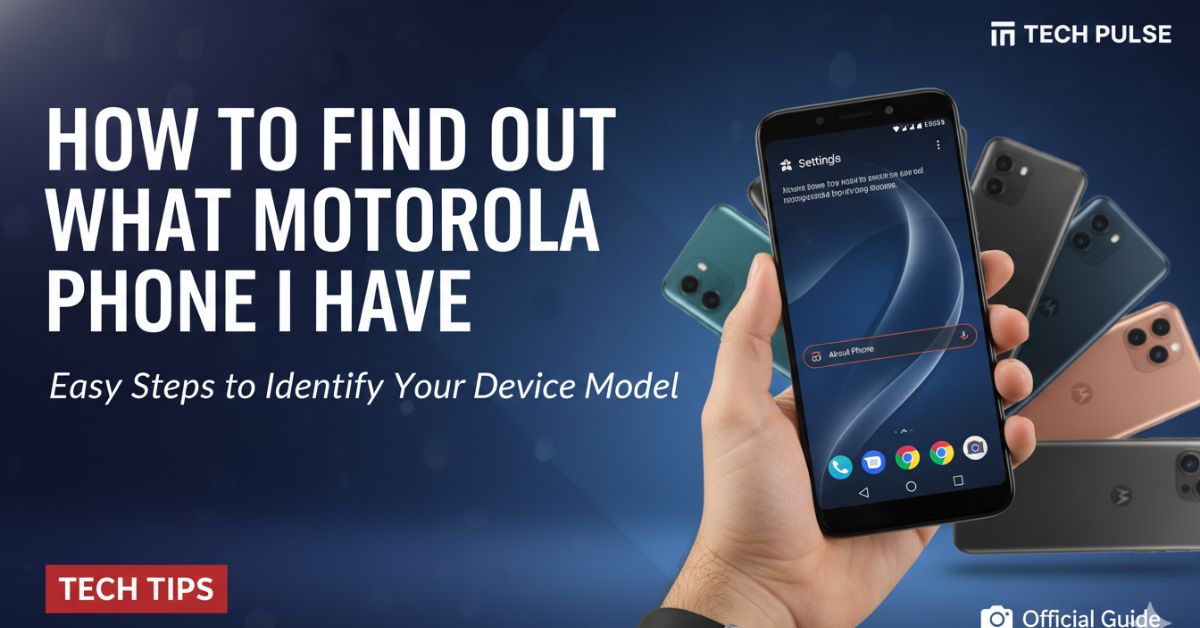
The most accurate way to find your phone’s identity is through the settings menu. Motorola uses a clean version of Android, so these steps work on almost all their devices, whether it is a budget Moto E or a premium Moto Edge.
- Unlock your phone and open the Settings app (the gear icon).
- Scroll all the way down to the bottom.
- Tap on About phone (sometimes called About device).
- Look for Device name or Model.
Here, you will see the commercial name (e.g., “Moto G84 5G”) and often a technical model number (like “XT2347-1”). Note down the technical number if you are ordering spare parts, as it ensures 100% compatibility.
Method 2: Look at the Box or Bill
If you still have the original box lying around in your house, this is the fastest method.
- Retail Box: Look at the back or the side of the white Motorola box. There is usually a sticker with barcodes. The model name will be printed clearly, often near the “Made in India” tag.
- Bill/Invoice: Check the invoice you received from Flipkart, Amazon, or the local mobile shop. The exact model and RAM/Storage variant are always listed there.
Method 3: Use the IMEI Number (For Locked Phones)
If you cannot unlock the screen (maybe the display is broken or you forgot the password), you can still identify the phone using its unique IMEI number.
Step 1: Find the IMEI
- On Screen: If the phone is working, open the dialer (phone app) and type
*#06#. The IMEI number will pop up instantly. - On Body: If the phone is dead, look at the back panel. Some older Motorola phones have the model details printed in small text near the charging port.
- SIM Tray: On some newer premium models, the model number is printed incredibly small on the SIM card tray itself.
Step 2: Check Online Once you have the IMEI or Model Number (e.g., XT-number), go to Google and search for it. For example, if you search “Motorola XT2125-4”, Google will tell you that it is the Moto G100.
Method 4: Use Google ‘Find My Device’
If you are logged into your Google account on that phone, you can check the model name from a different computer or phone.
- Go to the Google Find My Device website.
- Log in with the same Gmail ID used on the Motorola phone.
- On the top left sidebar, you will see a list of your devices.
- The exact model name (e.g., “Moto Edge 40”) will be listed right there.
Method 5: Restart the Phone
This is a simple trick that works on many Motorola devices.
- Long-press the power button and select Restart.
- Watch the screen carefully as it boots up.
- Many Moto phones display the specific model name or series (like “Moto G” or “Motorola One”) on the colourful startup screen before the Android logo appears.
Why Knowing Your Model Matters
You might wonder, “Why do I need to know the specific code?” Here is why it is useful for Indian users:
- Buying Accessories: A “Moto G” back cover will not fit a “Moto G54”. You need the exact model to buy the right case or tempered glass online.
- Resale Value: If you sell your phone on Cashify or OLX, knowing the exact model ensures you get the right price estimate.
- Software Updates: When reading news about the latest Android 15 or 16 updates, you need to know if your specific model is on the eligible list.
Frequently Asked Questions (FAQs)
Q1: How do I find my Motorola model if the phone won’t turn on? A: If the phone is dead, check the back panel for small text, look at the original box, or remove the SIM tray to see if the model number is printed there.
Q2: What is the “XT” number in my settings? A: The XT number (e.g., XT2135) is Motorola’s technical hardware ID. While the market name might be “Moto G60”, the XT number confirms the specific manufacturing version.
Q3: Can I check the model number using a code? A: You can dial *#06# to get the IMEI number. You can then search this number on an IMEI checker website to find the exact phone model.
Q4: Do all Motorola phones show the name in Settings? A: Yes, almost every Android phone, including Motorola, lists the name under Settings > About Phone.